Starting out in niji・journey

It's super easy to create images with niji・journey! We offer 20 free art generations on the mobile app. Just follow these steps:
Find the prompt bar: Go to the 'Imagine' tab, and tap on the prompt bar.
Start your generation: Type in what you want to create, like “green haired girl, with flowers, wearing knight’s armor”, and click on the magic wand 🪄 to generate your image.

Your image is ready: Once done, you should see a generated image.

The imagine screen is where the magic of image generation happens. To use it, make sure that you’re subscribed! Here, you can also adjust various parameters before generating images.
Adjusting aspect ratio: To change between portrait or landscape layouts.
Differentiating between fast, turbo, and relaxed mode: To toggle between modes based on speed and cost.
Choosing and switching models: To pick the model that best fits your needs.
Now that you know how to generate basic images, it’s time to learn how you can add your own touch into your image generations!
Setting up and enabling personalization: To add your unique taste to your images.
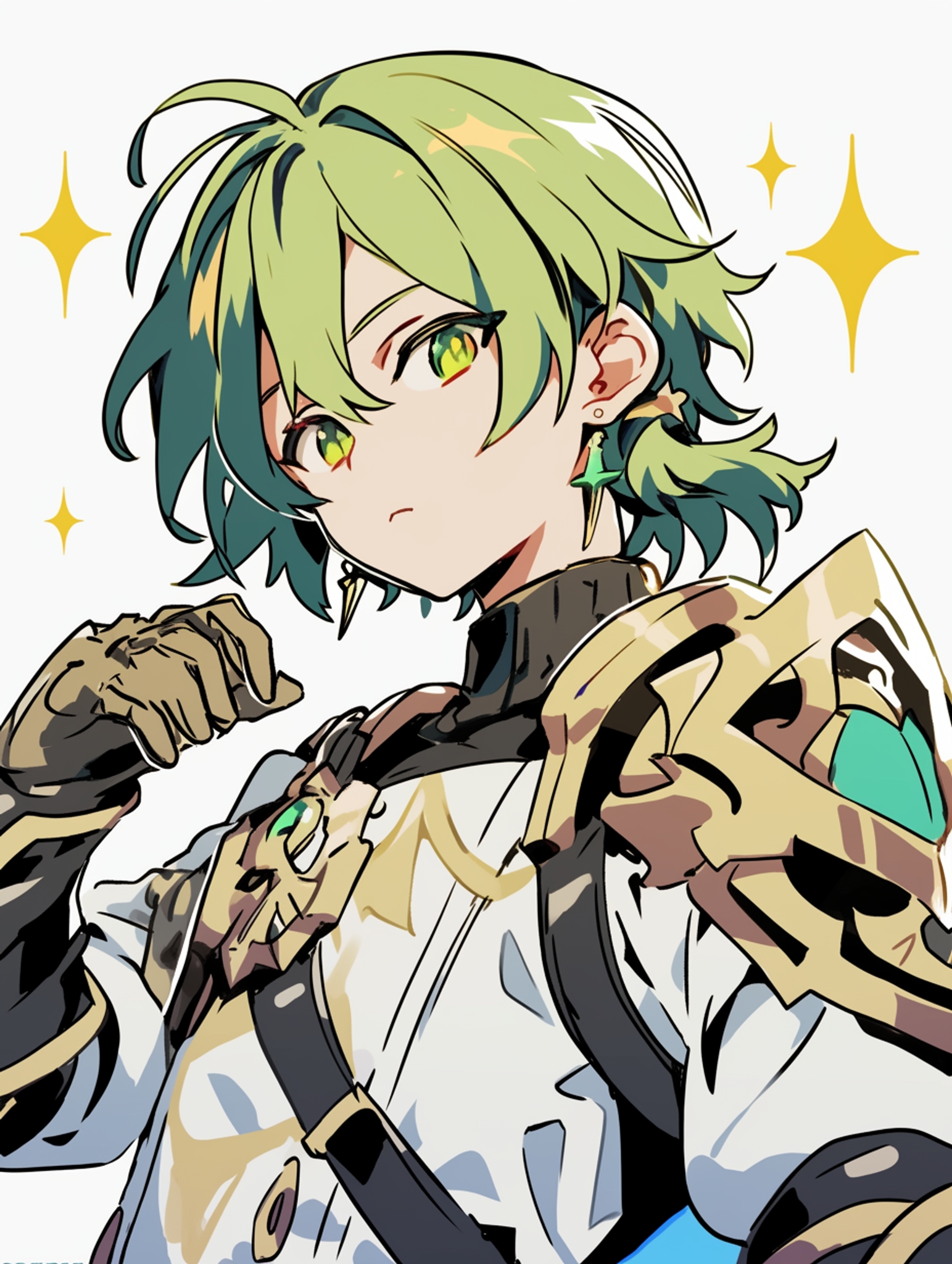
a knight with green hair --p q9qrcqo

a knight with green hair
Creating and using moodboards: To communicate your aesthetic vision to the model.
Manipulating generated images: To make various big or small adjustments to generated images.
Take a gander at what other users have generated!
Favoriting an image: To save cool images.
Browsing the LIVE feed: To discover fresh ideas and ignite that creative spark!
Here are some commonly asked questions based on user feedback.
Account linking: To ensure your account and data is backed up.
Troubleshooting rejected prompts: To understand what make the AI moderator skittish.
Contacting support: To get help from our team as quickly as possible.
Consuming fast hours: To learn more about how fast hours get consumed for each job you generate.
Hiding images: To keep your gallery clean and clutter-free.
Understanding hiding vs unpublishing: To know exactly what happens when you hide or unpublish an image.

Related Articles
niji・journey
What is niji・journey?
Welcome to niji・journey, a state-of-the-art AI that draws custom anime illustrations, just for you! A magical collaboration, designed together between brilliant minds at Spellbrush & Midjourney. Whether you’re looking for a cute chibi character or a dynamic action scene, niji・journey can bring your vision to life. We can’t wait to see what you create!


Where can we find you?
If you’re an AI researcher and you love anime, please shoot us an email over at [email protected].
Otherwise, if you're talented and on the job market, you can find other open positions on our careers page.
For commercial inquiries and studio licensing, please contact [email protected].